My tenant intake form data is incorrect, what can I do?
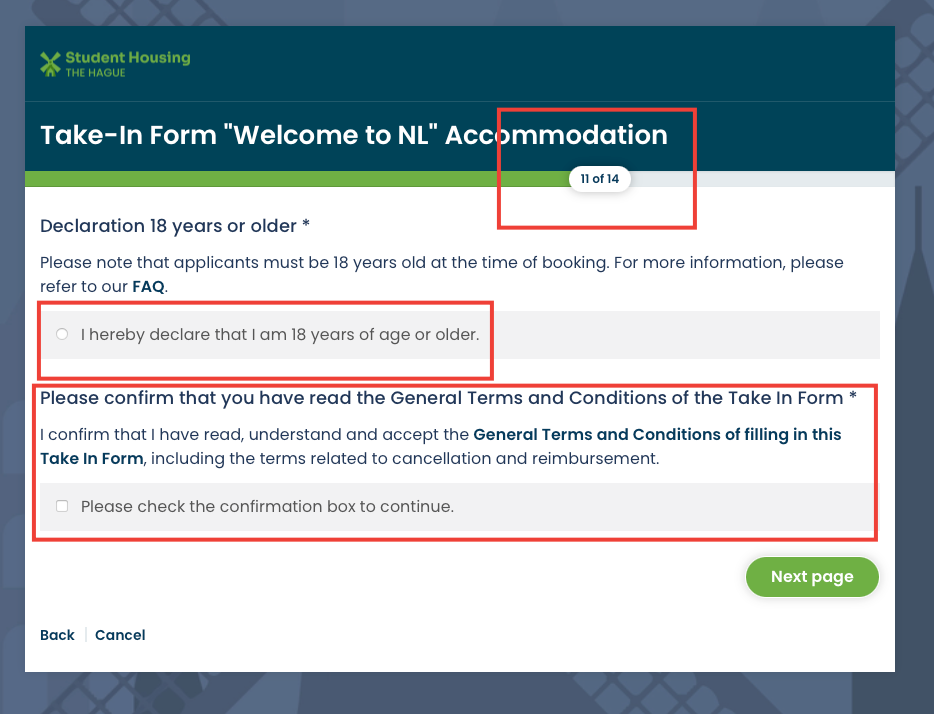
Please ensure the accuracy of the information in your Tenant Intake Form, as it is crucial for our automated processes. The details you provide will be automatically extracted and used to generate the tenancy agreement, and to send you important emails and signature requests.
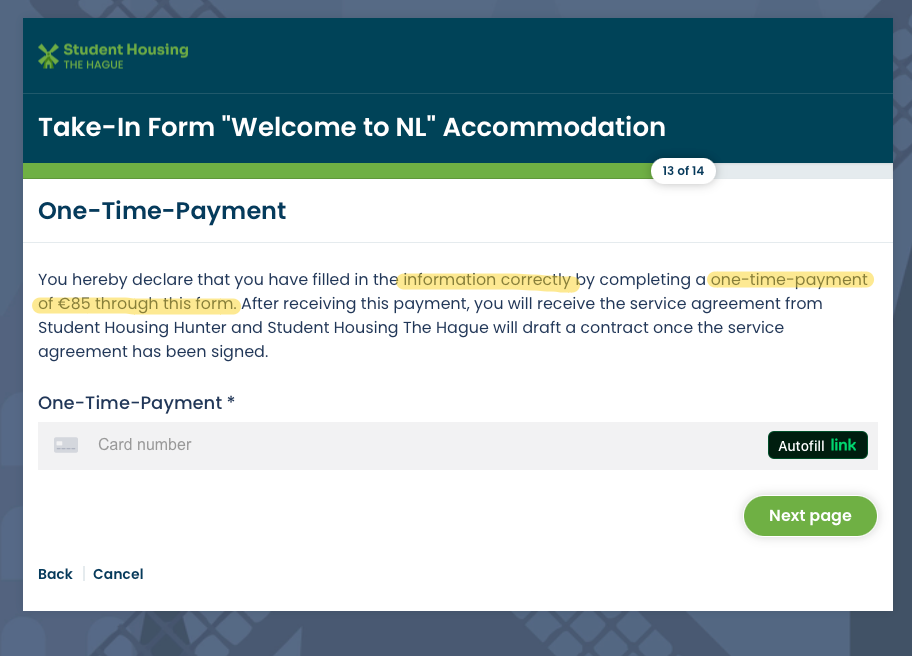
Errors in details such as, but not limited to end-date, date of birth, document ID number, country of origin, email, or misspelled names cannot be manually edited on our side. In such cases, you will need to submit a new Tenant Intake Form and pay the one-time fee again without a refund for the previous forms. Therefore, we strongly recommend thoroughly reviewing the Tenant Intake Form before finalizing it to prevent unnecessary time and expenses.
If the error concerns the telephone number, we can adjust it for a service fee of 25 EUR.
For more information, refer to our General Terms and Conditions.
Why Our Terms Are Strict
Our terms are strict to ensure the accuracy of information from the start. Without these measures, we would likely face more incorrect forms, which would increase our workload significantly. Handling multiple corrections and refunds is a complex process, involving different departments such as sales, support, finance, and even legal. This could require dedicating a full-time staff member just to manage errors. Therefore, we stress the importance of double-checking all information during form submission, as we provide multiple reminders and confirmations to ensure you have every opportunity to submit the correct details.
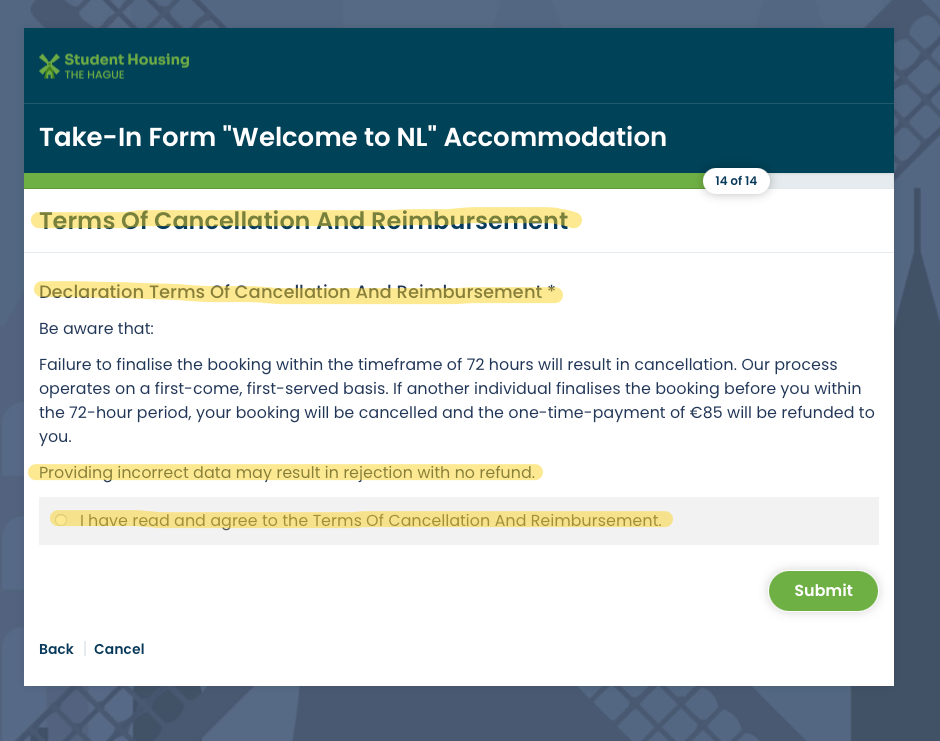
Terms of Cancellation and Reimbursement
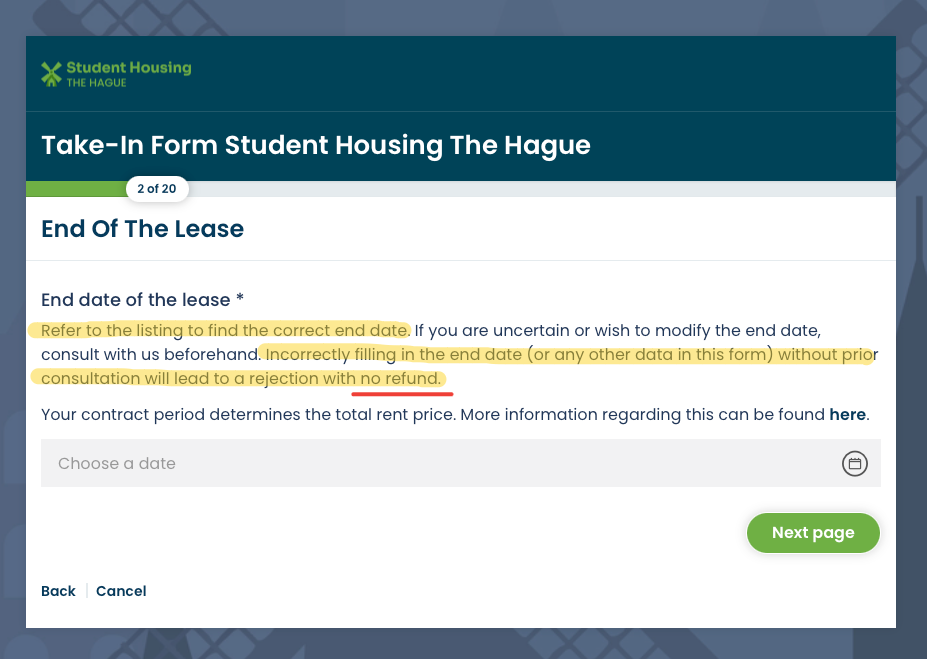
Filling in the correct end-date
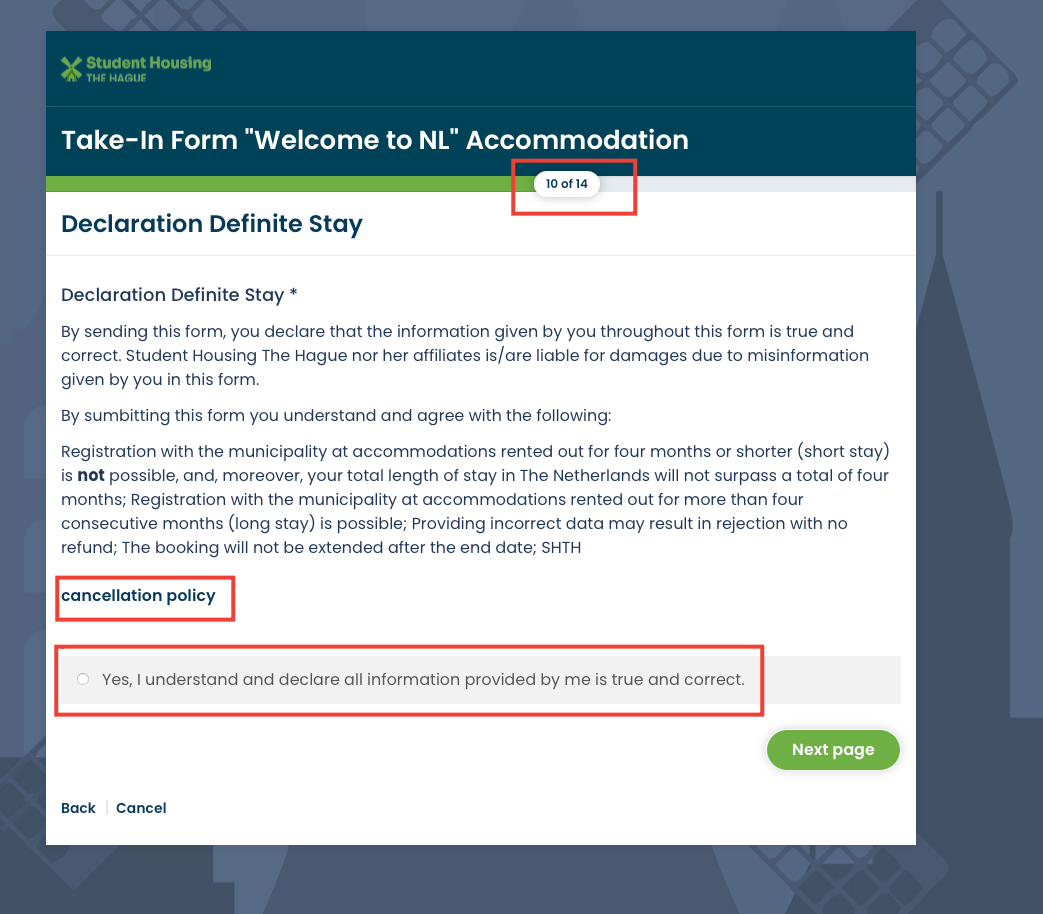
Cancellation Policy
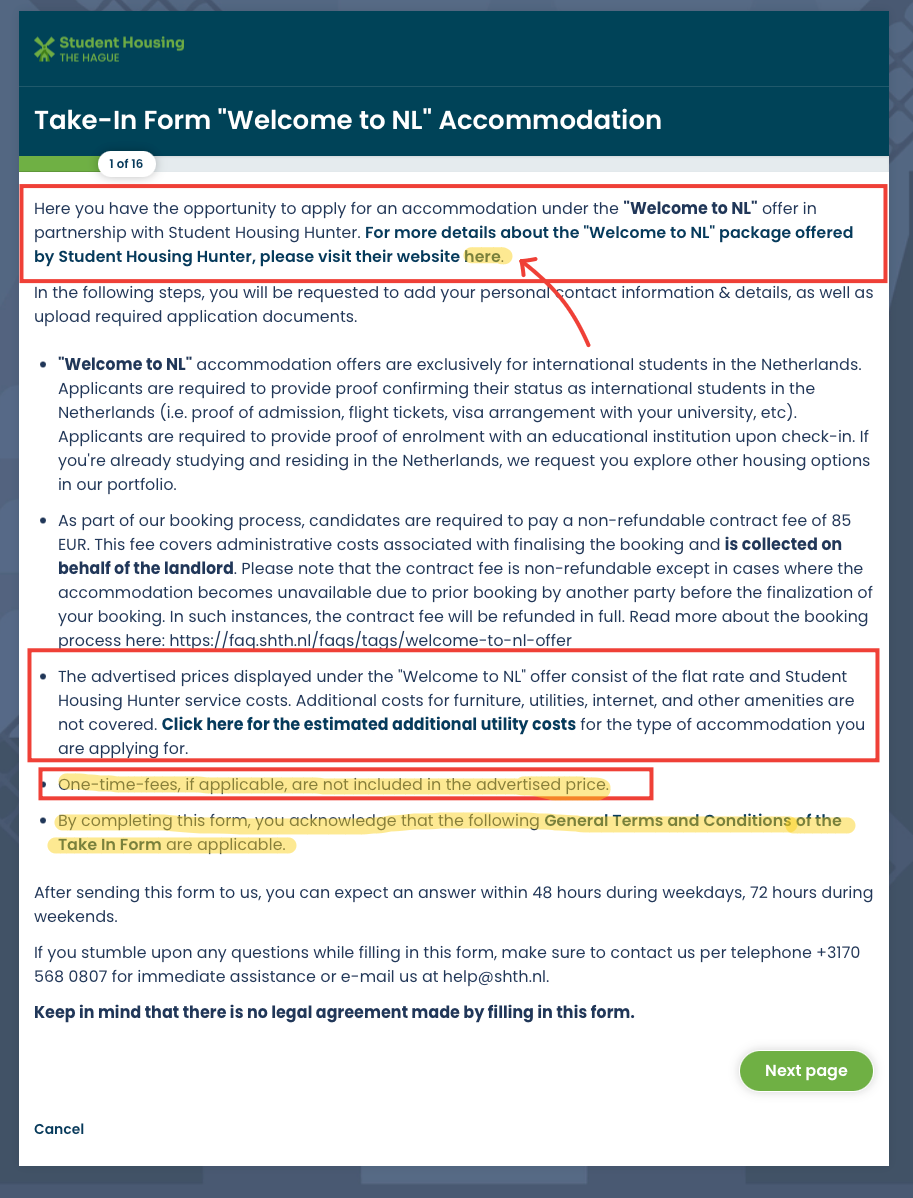
One-Time-Payment
Terms of Cancellation and Reimbursement